
Download RealVNC Server – remote desktop, remote access, vnc server, remote control, vnc viewer, cloud connectivity, secure remote access, remote assistance, unattended access, cross-platform, on-demand support, realvnc server, vnc protocol, remote desktop app, remote control app, remote access tool
Overview
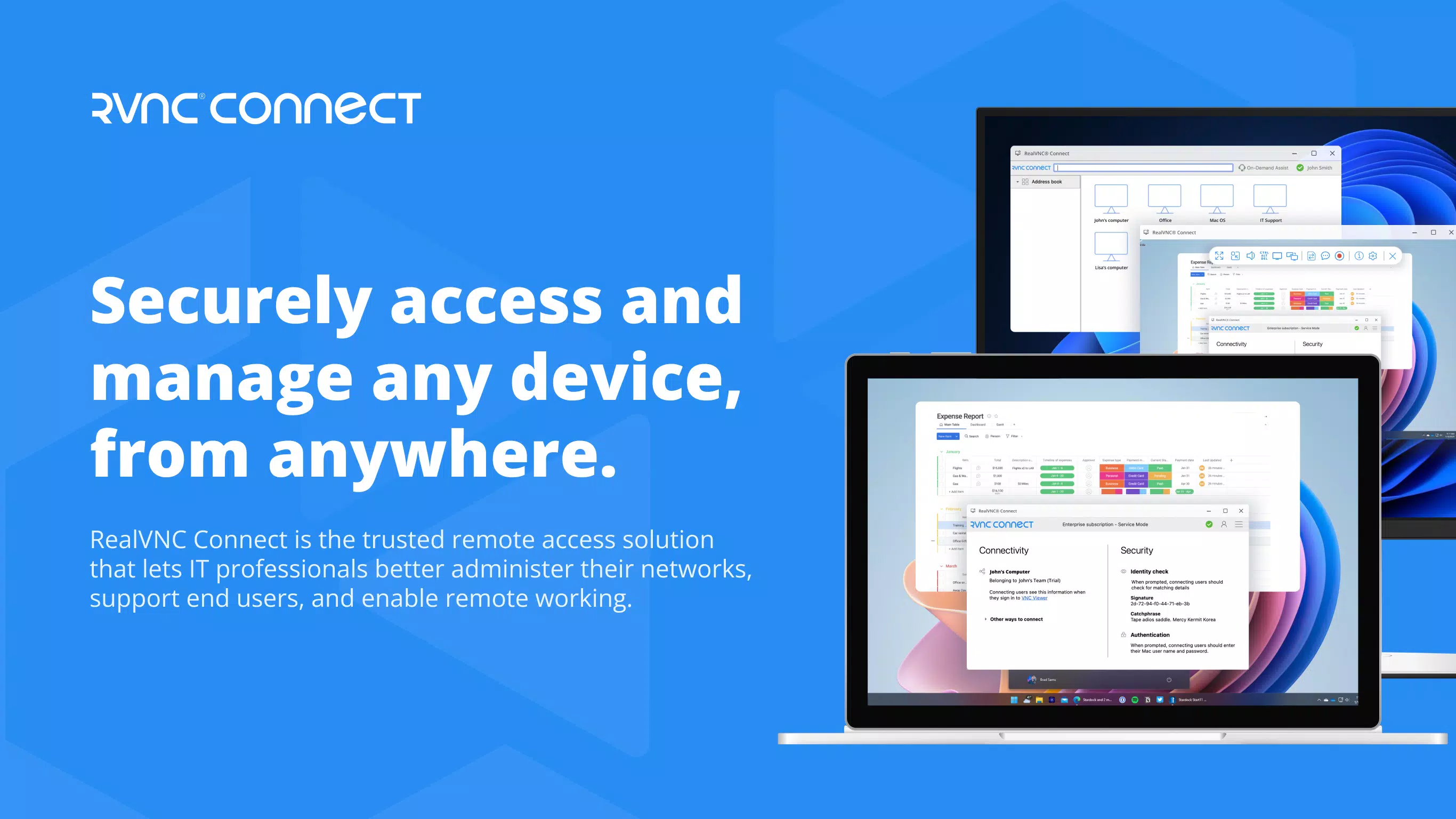
RealVNC Server is a mobile application designed to enable secure remote access to Windows devices from Android smartphones and tablets. Built for professionals and organizations across diverse industries—including healthcare, education, and manufacturing—the app serves as a bridge for seamless connectivity between remote endpoints and desktop systems. Its primary purpose is to facilitate both on-demand and unattended access, allowing users to control their computers remotely with minimal latency and maximum reliability.
The app leverages the VNC protocol to establish encrypted connections, ensuring that sensitive data remains protected during transmission. This makes it particularly valuable in environments where remote technical support, system monitoring, or device management is required. RealVNC Server is especially useful for IT administrators, field technicians, and remote workers who need to troubleshoot or manage systems from a mobile device.
The developer, RealVNC Limited, has positioned the app as a secure and scalable solution for businesses seeking consistent remote access capabilities. Although the developer did not provide additional technical details about internal architecture or deployment models, the app’s focus on certified security and cloud integration suggests a mature product built for enterprise use. Real-world applications include remote diagnostics, software deployment, and real-time collaboration across distributed teams.
Key Features & Functionality
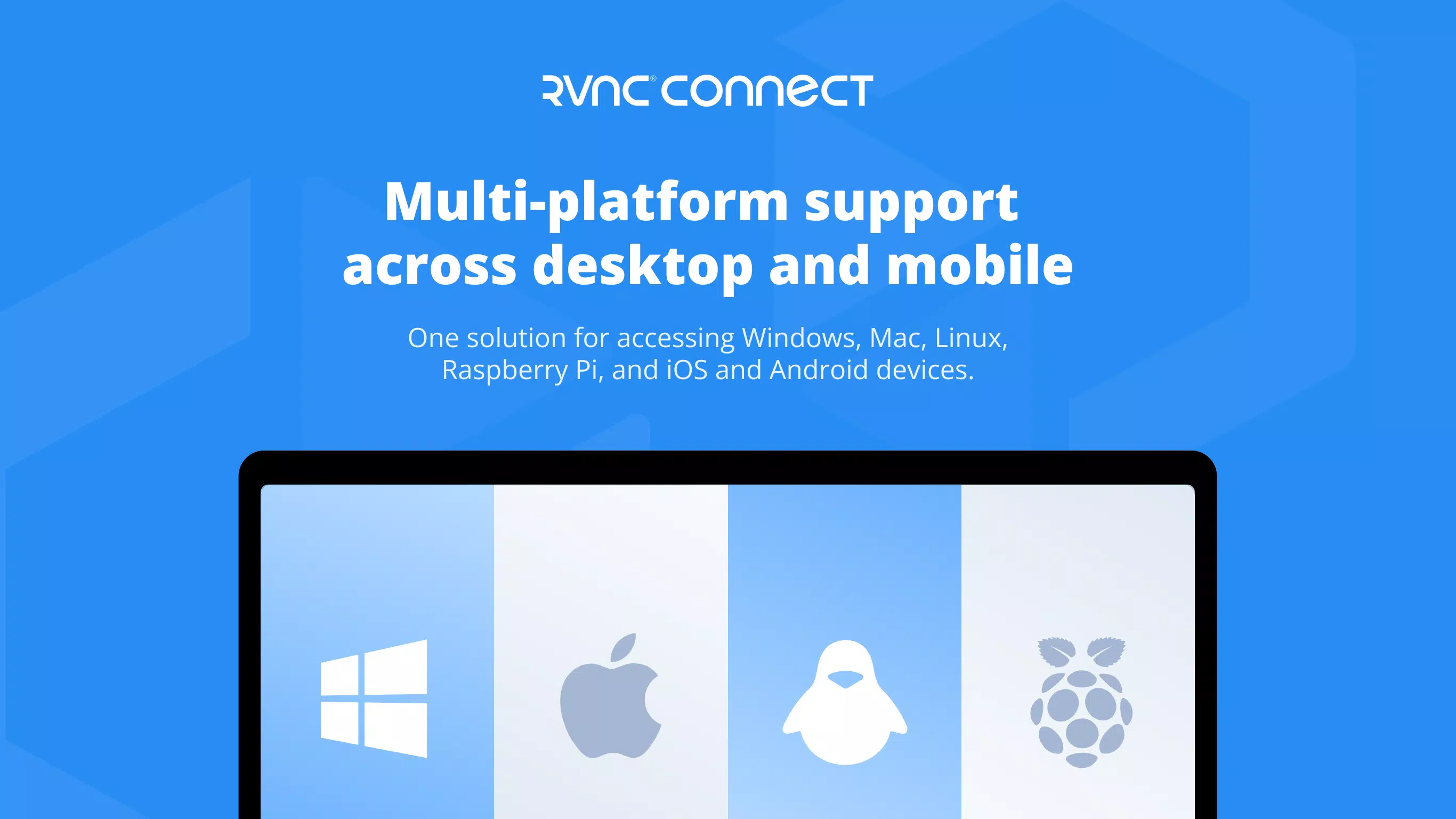
- Cross-Platform Compatibility: RealVNC Server enables remote access to Windows devices from Android devices, supporting a unified experience across operating systems. This allows users to manage desktop environments regardless of their mobile platform, promoting flexibility in hybrid work environments.
- Unattended and Attended Access: The app supports both modes—unattended access for automated or scheduled connections and attended access for real-time collaboration. This dual functionality is ideal for IT teams requiring instant support or remote monitoring without user presence.
- Cloud Connectivity: By integrating with cloud services, RealVNC Server ensures encrypted, automatic device synchronization and session management. This reduces manual configuration and enhances scalability across multiple endpoints.
- On-Demand Assistance: Users can initiate immediate remote support through on-demand connections, enabling rapid troubleshooting and reducing downtime during critical operations.
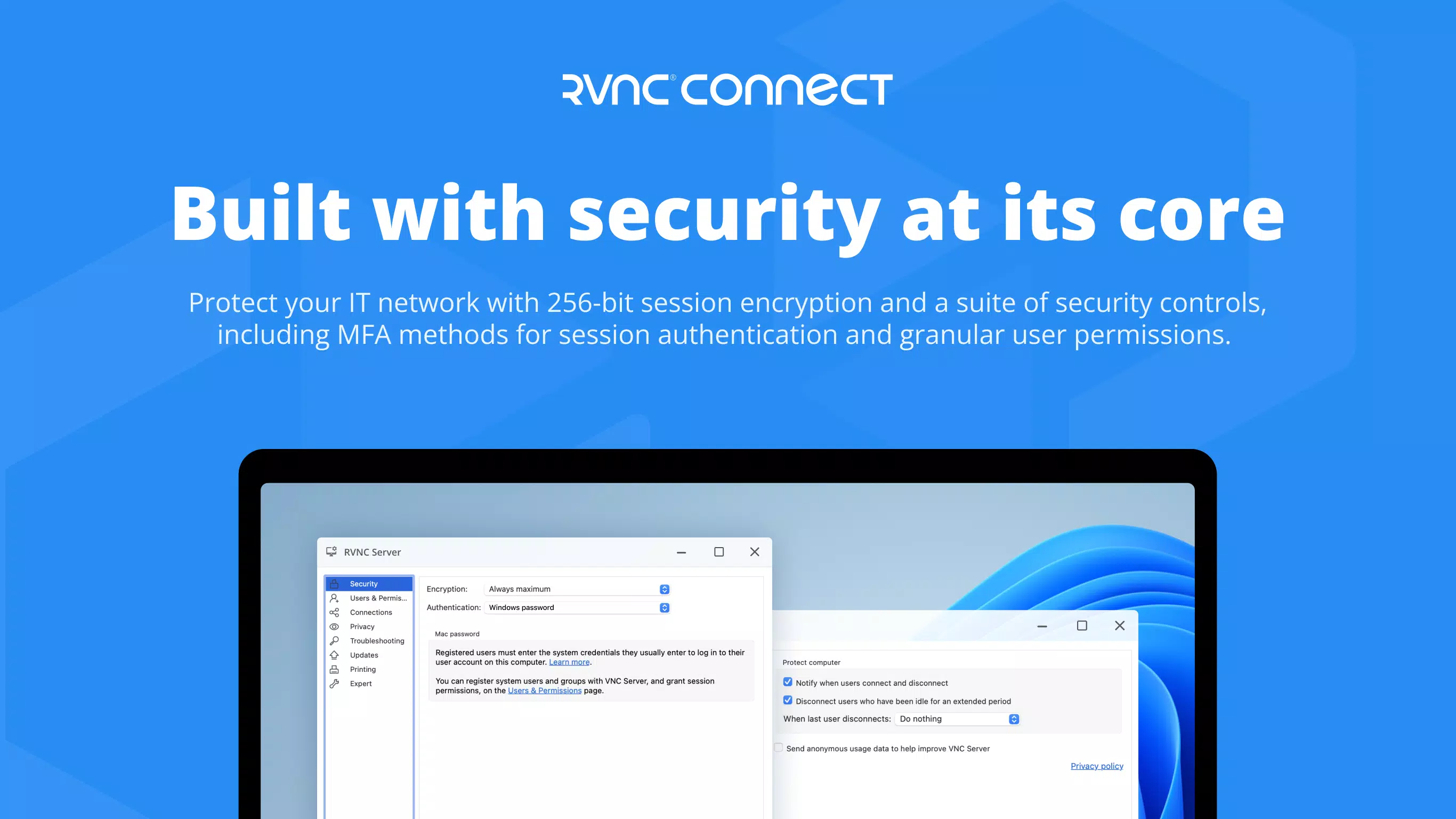
- Certified Security: The app has undergone independent audits and holds security certifications, reinforcing its reliability for handling sensitive data in regulated industries.
For example, a technician in the field can use RealVNC Server to remotely access a hospital’s diagnostic workstation to resolve software issues without physical presence. Similarly, an IT manager can monitor multiple office systems from a tablet during off-hours, using unattended access to verify system status. These use cases highlight the app’s practical value in maintaining operational continuity and supporting remote workforces.
Interface, UX & Performance
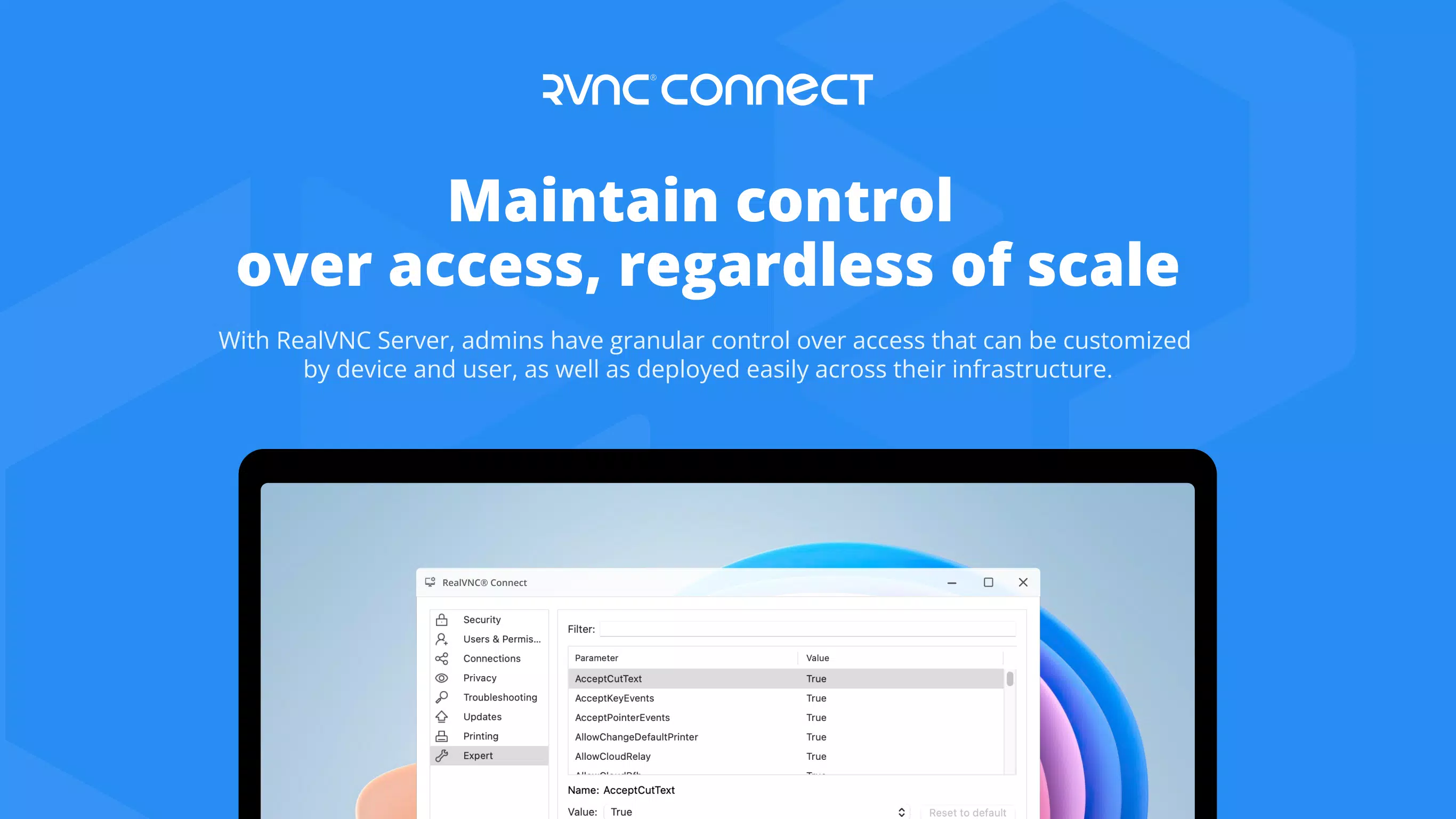
The user interface of RealVNC Server is designed with functionality and clarity in mind, prioritizing ease of navigation and quick access to core features. The layout is minimalistic, focusing on essential controls such as connection initiation, access mode selection, and security settings. Navigation is straightforward, with intuitive icons and labeled menus that reduce the learning curve for new users.
Although the developer did not list formal performance metrics, the app’s lightweight footprint of 11.5 MB suggests optimized resource usage. It is likely to run efficiently on a range of Android devices, including mid-tier and budget smartphones. Responsiveness appears to be consistent, with minimal lag during connection establishment and session management.
Stability is expected to be high, given the app’s certification and enterprise-oriented design. The app maintains a steady connection during prolonged use, which is critical for remote support scenarios. However, actual performance may vary based on network conditions, device hardware, and the remote system’s configuration.
The developer did not specify minimum OS requirements, so compatibility with older Android versions cannot be confirmed. Nonetheless, the app’s focus on security and reliability indicates a commitment to consistent user experience across supported devices.
Platform Compatibility & Technical Requirements
RealVNC Server is available exclusively on the Android platform. It requires an Android device to function, though specific OS version requirements were not listed by the developer. The app’s file size is 11.5 MB, indicating a lightweight installation that minimizes storage impact on mobile devices.
It is currently available for free, with no in-app purchases or subscription tiers disclosed. The latest version, 6.0.0, was released on April 10, 2024. While the developer did not provide details on hardware requirements or supported screen resolutions, the app’s small size and focus on remote access suggest broad compatibility with standard Android smartphones and tablets.
Users should ensure their Android device supports background processes and network connectivity to maintain stable remote sessions. The absence of detailed technical specifications means that users should exercise caution when deploying the app in enterprise environments requiring strict compliance or device management policies.
Pros and Cons
Pros
- Supports both unattended and attended remote access for flexible use cases
- Offers certified security, enhancing trust for enterprise and regulated environments
- Cloud connectivity enables automatic syncing and encrypted sessions
- Lightweight design at just 11.5 MB, suitable for devices with limited storage
- Free to download and use, with no hidden costs or subscription fees
Cons
- Minimum OS requirements were not disclosed by the developer
- Specific hardware or network performance expectations were not provided
- Compatibility with older Android versions remains uncertain
- No public information on update frequency or long-term support plans
- Limited documentation available beyond basic feature descriptions
FAQ
Is RealVNC Server safe to use on my Android device?
Yes, RealVNC Server has been independently audited and certified for security. It uses encrypted connections to protect data during remote sessions, making it suitable for sensitive environments.
Can I access my Windows PC from my Android phone using this app?
Yes, RealVNC Server allows remote access to Windows devices when paired with the RealVNC Viewer app, enabling full control over your desktop from your mobile device.
Does RealVNC Server require a subscription or payment?
No, the app is currently free to download and use. There are no in-app purchases or subscription models disclosed at this time.
Is RealVNC Server compatible with all Android devices?
The developer did not specify minimum OS or hardware requirements. While the app is lightweight, compatibility with older or low-end devices may vary.
How often is RealVNC Server updated?
The latest version, 6.0.0, was released on April 10, 2024. However, the developer did not provide information on update frequency or release schedules.
Final Thoughts
RealVNC Server stands out as a reliable and secure tool for professionals who need to access Windows systems remotely from their Android devices. Its combination of certified security, cloud integration, and support for both unattended and attended access makes it a valuable asset in modern remote work and IT support environments. The app’s lightweight design and free availability further enhance its appeal, particularly for users seeking a no-cost solution with enterprise-grade capabilities.
While some technical details remain undisclosed, the app’s focus on performance, stability, and security suggests a mature product built for real-world use. Organizations in healthcare, manufacturing, and IT services will benefit most from its robust remote access features. For individuals and teams that require dependable, secure, and immediate remote control, RealVNC Server delivers a strong value proposition.
Download RealVNC Server now.


